

Export an exam to Word and PDF from a template
Pick a layout and Học nè sets your exam as a Word or PDF file, ready to print.
No AI · Free plan: 3 downloads a month
Examples
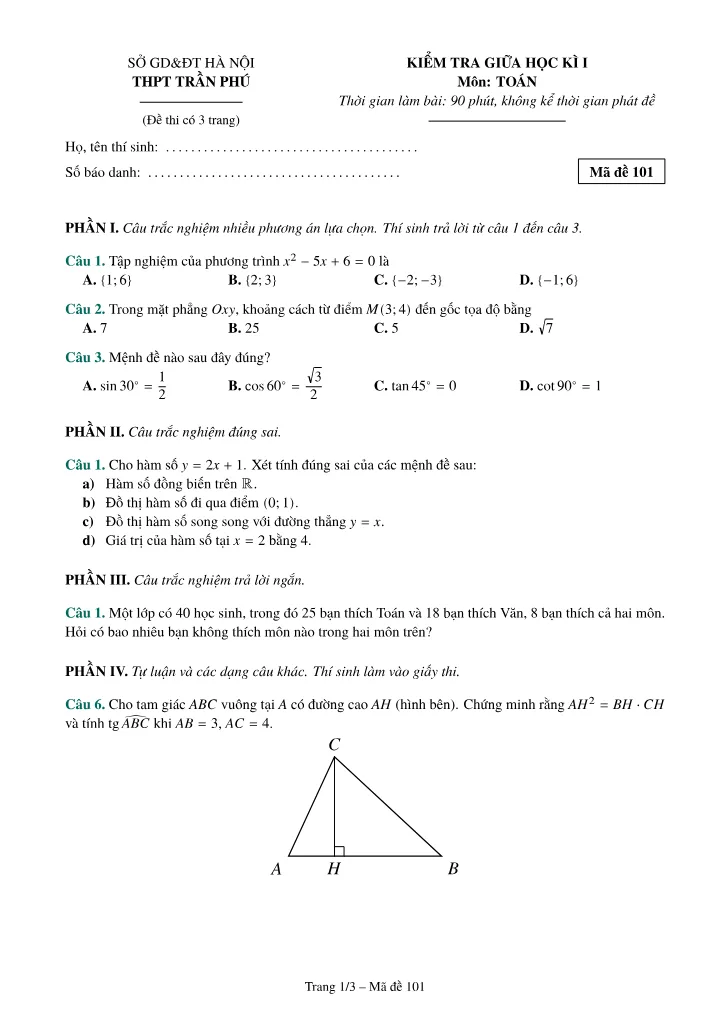
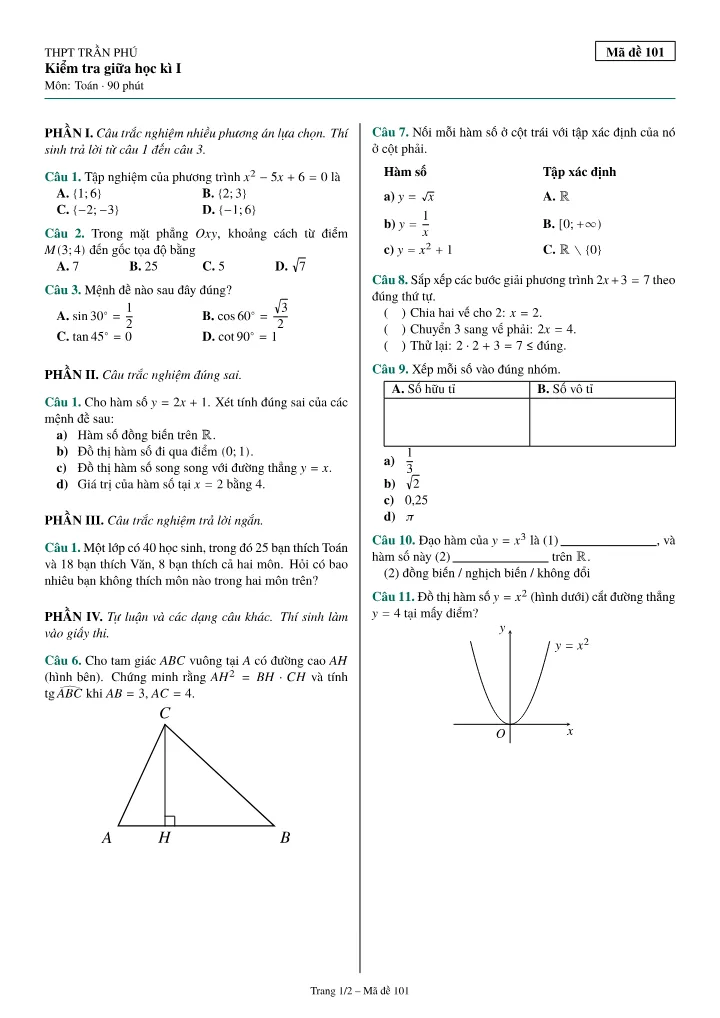
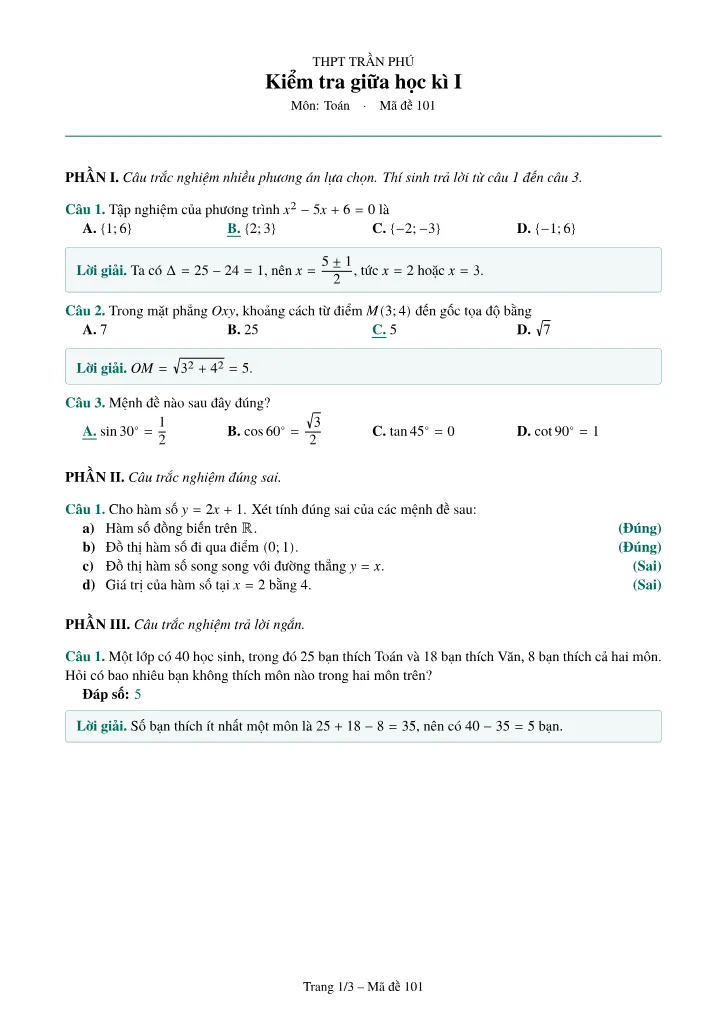
Three steps
Open a document
An exam, a deck or a note of yours.
Pick a template and adjust
The head, the type size, with answers or solutions.
Download
A Word or PDF file.
Questions people ask
Exams, practice sets, flashcard decks and notes. Each kind has its own templates.
Related tools
Read the step-by-step guideUpdated November 14, 2026